
The Complete Guide to Graphic Design Services
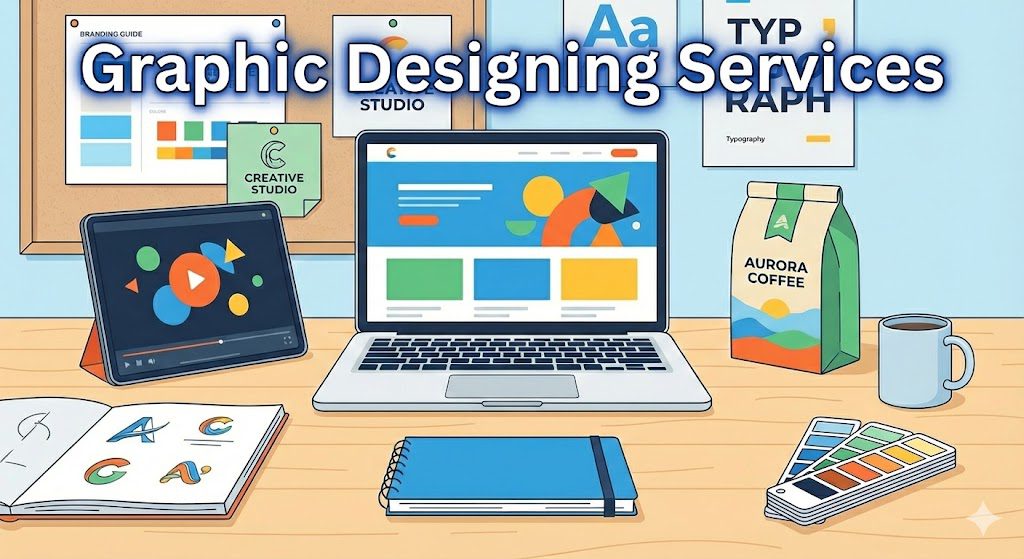
Graphic design services play a crucial role in shaping how businesses communicate visually. From logos and brand identities to websites, packaging, and motion graphics — design influences perception, trust, and user experience. This complete guide explains what graphic design services are, their types, how to choose the right provider, common mistakes, and practical tips to get started. What Are Graphic Designing Services? Definition and Scope Graphic design services involve planning and producing visual content that communicates ideas effectively. These services include everything from logo creation and brand identity systems to marketing materials, web graphics, social media visuals, infographics, product packaging, and publication design. Graphic design itself is recognized as the art of crafting visual communication aimed at specific audiences. It combines creativity, strategy, color theory, typography, layout principles, and psychology to create visuals that inform, persuade, or inspire. Why Businesses Need Graphic Design Services Modern businesses rely heavily on visual communication. Studies show that A majority of companies are increasing their investment in design to stay competitive. Design-driven companies see significantly higher ROI than those that do not prioritize design. Good design enhances credibility, strengthens brand identity, improves user experience, and ensures clearer communication. It builds trust and helps businesses stand out in crowded markets. Types of Graphic Designing Services Graphic design covers a wide range of specialties. Here are the most important types Branding & Identity Design Branding is the foundation of all visual communication. Branding services typically include Logo design Brand style guides Typography systems Color palettes Visual identity systems These elements create a consistent, recognizable image for a company across all platforms. Digital & Web Design Services Digital design includes all graphics created for online use Website UI/UX design App interface design Landing page graphics Digital advertisements Email newsletter designs Multimedia content Modern digital design focuses heavily on improving user experience and visual functionality. Print & Publication Design Print design covers physical marketing and informational materials, such as Brochures Flyers Business cards Magazines Annual reports Catalogs Posters These materials require strong layout skills, typography choices, and a deep understanding of print production. Packaging & Product Graphics Packaging design includes Product labels Box designs Wrappers Containers Retail-ready packaging Unboxing design elements Effective packaging attracts attention, communicates product value, and strengthens brand identity on shelves. Motion Graphics & Animation Motion-based design includes Animated ads Explainer animations Logo animations Title sequences Social media motion graphics Motion graphics are highly effective in boosting engagement across digital platforms. Environmental & Signage Design Environmental graphic design involves visuals created for physical spaces, such as Wayfinding systems Event and exhibition graphics Muralss Signage Spatial graphics These designs help guide people, enhance spaces, and improve brand presence in physical locations. Additional & Niche Services Other common design services include Social media content design Infographics Icon sets Presentation design Display and banner ads Internal document design Illustration services These support everyday business communication needs. How to Choose the Right Graphic Designing Service Freelancer vs Agency vs In-House Here’s when each option makes sense Freelancer Best for small, one-off tasks Lower budget requirements Flexible timelines Agency Ideal for large or ongoing projects Provides a full team with diverse specialties Suitable for complete branding and marketing solutions In-House Designer Best for businesses with constant design needs Ensures brand consistency Offers long-term availability and collaboration Key Criteria to Evaluate Designers When selecting a design provider, consider Quality of portfolio Experience in your industry Pricing model and transparency Clarity of the process (briefing, revisions, timelines) Ability to maintain consistency across all visual elements Communication style and client support Pricing Models & Subscriptions Graphic design pricing varies based on provider type Project-based pricing for individual tasks Hourly rates for time-bound work Monthly retainers for ongoing needs Unlimited design subscriptions, where businesses submit unlimited requests for a fixed monthly fee These newer subscription models offer predictable costs and faster turnaround. Benefits of Using Professional Graphic Design Services Professional graphic design offers businesses several major advantages Enhanced brand recognition through consistent visuals Clearer communication with customers Better user experience, especially in digital spaces Higher credibility and perceived professionalism Competitive differentiation in saturated markets Higher ROI for companies that prioritize visual design Strong design is not just aesthetic — it’s a business strategy. Common Mistakes & Pitfalls to Avoid Inconsistent Branding Using mismatched colors, fonts, or styles weakens brand identity. Hiring Non-Specialized Designers Choosing designers without relevant experience can lead to ineffective visuals and rework. Unclear Briefing A vague or incomplete design brief leads to wrong concepts and wasted time. Ignoring UX for Digital Designs A visually attractive design with poor usability fails to deliver results. Choosing Based Solely on Price Extremely low-cost designers often compromise on skill, quality, or originality. FAQs & Practical Tips for Getting Started What Services Should I Start With? Most businesses begin with A logo Brand identity kit Website design Social media templates How Much Do Graphic Designing Services Cost? Costs depend on complexity, designer experience, design type, and timeline. Agencies typically charge more than freelancers due to team support and a deeper strategy. How Long Does Graphic Design Take? Timelines depend on project scope, revisions, and coordination. Simple tasks like social media posts may take hours, whereas branding projects or websites may take weeks. Red Flags When Hiring a Designer Avoid designers who Cannot provide a portfolio Offer unclear revision policies. Provide suspiciously low pricing.g Have inconsistent communication What Trends Are Emerging in Graphic Design? AI-driven design tools, automated workflows, and intelligent creative assistants are becoming more common. These technologies help speed up production and expand creative possibilities for designers. Conclusion Graphic design services are essential for building a memorable brand, communicating clearly, and achieving business growth. Whether you need branding, digital design, packaging, or motion graphics, choosing the right design partner can elevate your presence and give you a competitive edge. With strategic design, businesses gain consistency, clarity, and long-term value.
Which Software Is Best for Graphic Design? A Complete 2025 Guide
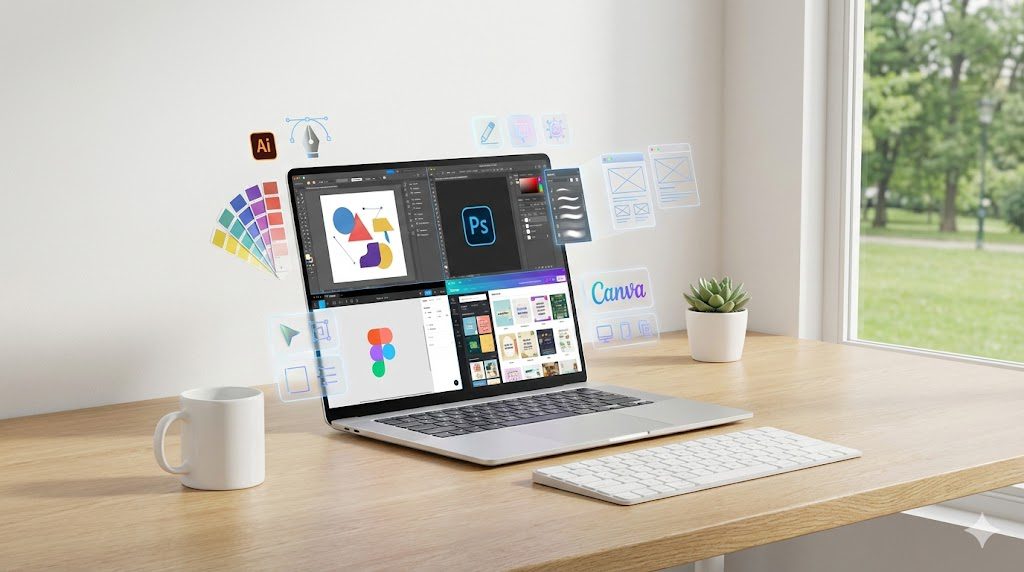
What is Graphic Design Software? Definition & Key Purposes Graphic design software refers to digital tools that help designers create, edit, and publish visual content across print, digital, and interactive mediums. These tools allow you to work with images, shapes, vector graphics, colors, layouts, typography, and complex compositions. Modern design platforms support a wide range of tasks, from manipulating photos to building detailed illustrations, crafting social media graphics, designing websites, and preparing print-ready files. As described in multiple current design reviews, these platforms serve the core purpose of enabling creative professionals and beginners to express ideas through structured, high-quality outputs visually. How the Design-Software Landscape Has Evolved The design industry has transformed significantly, especially with AI and web-based collaboration. Today’s software is not just about brushes or layers; many tools integrate artificial intelligence to automate tasks such as background removal, smart selection, layout suggestions, or color correction. Reviews emphasize that AI has become a seamless part of creative workflows, making processes faster without replacing creativity. Collaboration has also changed dramatically. Tools like Figma and Canva allow teams to work together in real time, no matter where they are, making the entire design process more dynamic and accessible. This evolution means that the “best” software now depends more on workflow, teamwork, and adaptability than just editing capabilities. Why Choosing the Right Software Matters Impact on Workflow, Output, and Budget Selecting the right graphic design software has a direct influence on the quality and efficiency of your work. Professional reviews highlight that the ideal tool should fit your design tasks, skill level, and project goals. For example, a designer working with scalable logos would struggle in a photo-editing tool instead of using a vector-based solution like Adobe Illustrator. Similarly, a marketing team producing fast social-media graphics may get more value from a template-rich platform rather than an advanced professional suite. Cost also plays an important role. With subscription-based models becoming common, the wrong software can gradually drain your budget without providing the necessary features, especially if you require multiple tools. Common Pitfalls When Choosing Wrongly Many beginners make the mistake of choosing popular software instead of choosing what they actually need. This can result in wasting time learning overly complex features or not having the right tools for specific tasks. Reviews often mention that choosing software without considering file-format compatibility, collaboration requirements, or long-term scalability can cause workflow disruptions. Designers may also face challenges when clients or teams use different tools, leading to limited compatibility or extra steps like constant file conversion. Understanding these pitfalls helps you make a more strategic choice. Categories of Graphic Design Software and Use-Cases Professional Industry-Standard Suites Professional suites remain the backbone of industries like advertising, print design, branding, and product packaging. Adobe Illustrator, Adobe Photoshop, and Adobe InDesign are consistently ranked as industry leaders because they offer deep feature sets, precise control, and compatibility across professional environments. Illustrator is known for creating vector graphics that can scale without losing quality, Photoshop is famous for image editing and manipulation, and InDesign excels at multi-page layouts for magazines, brochures, and digital publications. These platforms are often part of Adobe’s Creative Cloud ecosystem, offering seamless integration but requiring a subscription. Collaboration, UI–UX, and Team-Oriented Tools Web-based collaborative software has become essential for UI-UX designers, product teams, and agencies that work in real time. Figma stands out for its cloud-native design approach, allowing multiple people to work on the same file simultaneously. It is widely valued for prototyping, interface design, and digital product creation. Because the tool runs inside a browser, it removes issues of installation, device compatibility, and version conflicts, making it a favorite for modern digital teams. Beginner-Friendly and Template-Driven Tools Beginners, marketers, and small businesses often prefer tools that simplify design without requiring advanced skills. Canva is frequently mentioned as a platform that democratized design through drag-and-drop simplicity and thousands of templates. It is ideal for creating social-media graphics, posters, presentations, and marketing materials. By blending ease of use with a large library of pre-made layouts, Canva allows non-designers to create visually appealing graphics quickly. Budget-Friendly and Specialized Alternatives Some designers prefer avoiding monthly subscriptions. Affinity Designer and Affinity Photo are popular one-time-purchase alternatives to Adobe tools. They provide professional-grade editing capabilities at a lower cost, making them attractive to freelancers, small studios, or users transitioning away from subscription models. These tools offer strong performance but may lack some plugins or AI features found in Adobe’s ecosystem. Other specialized alternatives include tools designed for illustration, vector art, or niche creative tasks. Key Features to Evaluate When Selecting Software Vector vs Raster Capabilities Vector and raster tools serve different purposes, and reviews stress the importance of understanding the difference. Vector tools like Illustrator are used for logos, icons, and scalable artwork, while raster tools like Photoshop handle detailed images and photo manipulation. Choosing the wrong type can limit your output or produce poor-quality results when scaling. Platform and Output Support Your platform—Windows, macOS, or web-based—also influences your choice. Some tools are desktop-only, while others work entirely in a browser. Output formats matter too, especially if you are designing for print, web, or mobile. Professional tools offer more control over color profiles, print bleed, CMYK compatibility, and export presets. Collaboration and Interoperability If you work in a team, real-time collaboration and file compatibility become essential. Modern workflows rely heavily on tools that allow shared access and integrated feedback. Reviews highlight that Figma leads in this area, while Adobe tools are strong in cross-app interoperability. Licensing and Cost Model Subscription models like Adobe Creative Cloud provide constant updates but can be expensive in the long run. One-time purchase tools like the Affinity suite can be more budget-friendly, though they may not update as frequently. Web-based platforms like Canva offer free versions with optional upgrades, making them suitable for occasional designers. Learning Curve and Community Support Some tools require months of practice, while others can be learned in hours. Photoshop and Illustrator offer professional depth but come with a steeper
What Tool Is Best for Graphic Design? (Complete Guide)
Introduction The world of graphic design has never been more exciting, and choosing the right tool is now one of the most important decisions for beginners, freelancers, and professional designers. In 2025, the design ecosystem has expanded dramatically as software continues to evolve with AI-assisted creativity, advanced collaboration systems, and device-friendly platforms that make high-quality design more accessible than ever before. According to TechRadar, the industry today is shaped by powerful hybrid workflows, cloud tools, and specialized software that cater to almost every creative purpose. With so many options available, selecting the ideal tool requires clarity about your needs, your skill level, and the type of work you want to produce. What to Consider When Choosing a Graphic-Design Tool Functionality and Features A great design tool should offer the right mix of capabilities, from vector illustration to photo manipulation and layout design. Most modern tools now offer AI enhancements that automate repetitive tasks, speed up workflows, and support creative ideation. As SelectHub notes, many applications combine multiple functions—such as illustration, layout design, and photo editing—to help creators work efficiently within a single environment. Ease of Use and Learning Curve Some tools are built for professionals who prefer complete control and sophisticated editing capabilities, while others prioritize simplicity so beginners can start designing in minutes. Platforms like Canva emphasize a template-driven drag-and-drop experience, perfect for users without technical design backgrounds, while professional-grade tools like Adobe Illustrator require deeper learning due to their advanced feature sets. Budget and Licensing Model The price of design tools varies significantly. Some platforms require monthly subscriptions, while others offer affordable one-time purchases. Creative Bloq highlights Affinity Designer as one of the strongest single-purchase alternatives to subscription-based Adobe products, making it attractive for freelancers and students. Collaboration and Cloud Workflows Team projects increasingly depend on real-time collaboration. Tools like Figma have transformed the design space by offering browser-based editing and live teamwork features. According to TechRadar, cloud-native platforms are becoming essential in workflows that involve remote teams or constant client feedback. Device and Platform Compatibility Whether you work on Windows, macOS, the web, or mobile devices, compatibility matters. Many tools now offer multi-platform versions and cloud syncing, ensuring seamless work across desktops, laptops, and tablets. Top Graphic-Design Tools to Evaluate in 2025 Adobe Photoshop Adobe Photoshop remains the industry leader for raster graphics, photo manipulation, and digital artwork. WeAndTheColor’s analysis confirms that Photoshop continues to dominate due to its advanced editing capabilities and integration of AI features that simplify complex tasks such as background removal and content-aware adjustments. It is still the preferred tool for photographers, digital artists, and professionals who require pixel-level precision. Adobe Illustrator Adobe Illustrator stands as the gold standard for vector design, widely used for logo creation, branding, icons, typography, and illustrations. Creative Bloq repeatedly cites Illustrator as the primary choice for professional vector work due to its precision tools, scalable outputs, and seamless integration with the Adobe ecosystem. Canva Canva has become a global favorite for beginners, social media creators, and small businesses. Creative Bloq describes it as one of the easiest platforms to master due to its library of templates, simple drag-and-drop interface, and web-based accessibility. It is best suited for quick designs, marketing graphics, presentations, and content creation without needing technical design skills. Figma Originally known for UI/UX design, Figma has grown into a powerful collaborative tool for graphic design as well. TechRadar notes that its real-time editing capabilities, web-native design approach, and shared workspaces make it ideal for teams and complex digital projects. Figma is increasingly used for branding, layout creation, and even lightweight illustration. Affinity Designer (and Affinity Photo) Affinity Designer offers a strong alternative to Adobe products, especially for users who prefer a one-time purchase model. Creative Bloq praises it for its smooth performance, vector and raster editing modes, and professional-grade features at an affordable price. When paired with Affinity Photo, it becomes a complete design suite for those who want value without sacrificing power. Free and Open-Source Tools (GIMP, Inkscape) Free design software continues to evolve, and platforms like GIMP and Inkscape remain strong options for budget-conscious users. Creative Bloq points out that these tools provide essential editing and illustration features that make them suitable for beginners or hobbyists who want to learn the basics without financial commitment. Emerging Tools and New Trends The design industry is also welcoming new AI-powered tools that offer automated creativity, layout suggestions, and generative visuals. Cotocus highlights that several emerging platforms combine machine learning with design principles to simplify concept creation, making these tools increasingly popular among modern designers. Matching the Tool to Your Specific Needs For Beginners and Non-Designers Beginners usually benefit from software that emphasizes simplicity and templates. Canva remains one of the best entry-level options since it doesn’t require advanced knowledge and still delivers polished results. It helps new users build confidence while producing attractive designs quickly. For Professional Designers and Agencies Professionals who work on complex projects often depend on tools that offer maximum control, industry-grade precision, and compatibility across teams. Adobe Illustrator, Adobe Photoshop, and Affinity Designer are the top choices for agencies and advanced designers who require robust capabilities and high-resolution output for print and digital media. For Freelancers and Small Teams Freelancers need software that balances affordability, flexibility, and performance. Affinity Designer provides a cost-effective yet powerful alternative, while Figma is ideal for freelancers collaborating with clients on real-time projects or shared boards. For Print vs. Digital Design Projects Vector tools like Illustrator and Affinity Designer excel in print-based work due to their scalability, color precision, and control over layout. For digital design, Figma and Photoshop are more suitable because they offer stronger UI/UX tools, pixel-based editing, and screen-optimized workflows. For Budget vs. Enterprise Workflows Those on tighter budgets often prefer Canva, GIMP, or Affinity products, all of which offer strong functionality with minimal cost. On the other hand, enterprise teams typically adopt Adobe Creative Cloud or Figma due to their advanced collaboration features and integration across larger projects. Pros and Cons
How to Learn Graphic Designing: The Complete Guide for Beginners
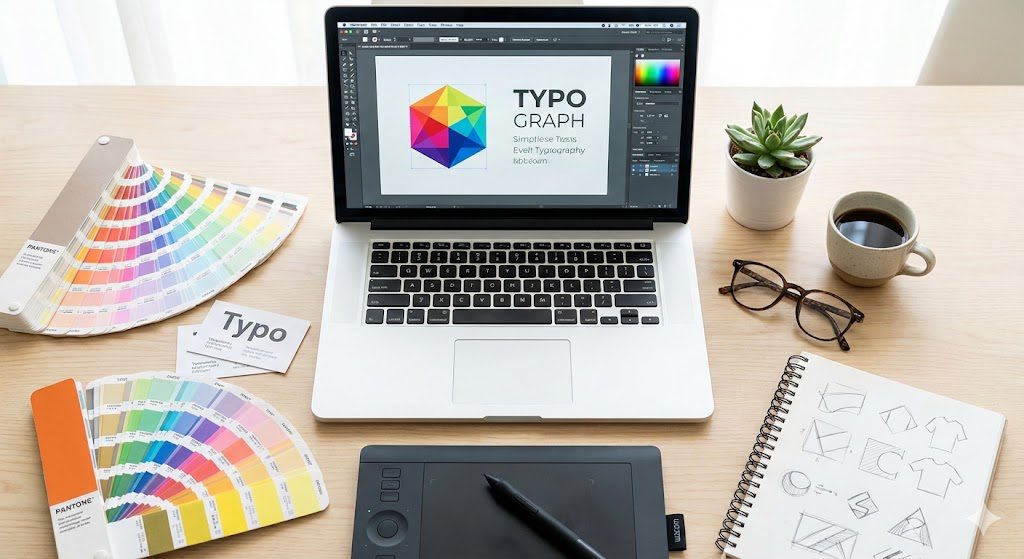
Graphic design has become one of the most in-demand creative skills in the digital age. Businesses, creators, and brands rely heavily on visual communication to convey messages, attract audiences, and build identities. According to major design resources and industry-leading platforms, graphic design is defined as the art and practice of creating visual content using typography, images, colors, symbols, and layout techniques to communicate ideas effectively. Because the field touches everything from websites and social media to product packaging and brand identities, learning graphic design opens numerous opportunities for freelancers, professionals, entrepreneurs, and digital creators. Below is a comprehensive, step-by-step guide to learning graphic design—even if you’re a complete beginner. What Is Graphic Design? Graphic design is described by modern design authorities as a discipline that combines visual elements such as color, shape, typography, and imagery to communicate a message or solve a problem. It is widely used in digital media, advertising, branding, print design, packaging, and user interfaces. Many sources emphasize that graphic design is both artistic and functional because it requires creativity along with technical skills to convey information clearly and attractively. Since visual communication plays a key role in business and marketing today, learning graphic design can help you create more engaging visuals, support brand storytelling, and build professional or personal projects that stand out. Why Learn Graphic Design? Learning graphic design offers both creative satisfaction and practical career benefits. The industry is broad and continues to expand due to the growth of online businesses, digital marketing, and content creation. Many companies require brand identity design, social media content, website graphics, packaging visuals, advertisements, and presentation materials. With accessible online tools and courses, it has become possible to learn graphic design without a formal degree by focusing on concepts, software, and consistent practice. Whether you aim to freelance, start a creative business, support your current work, or simply express your creativity, graphic design provides a valuable skill set that can open diverse opportunities. Fundamentals of Graphic Design Understanding the fundamentals is the first and most important step in learning graphic design. Industry sources highlight that design involves a combination of elements and principles that guide visual decisions. Design Elements Design elements are the basic building blocks used to create visuals. They include lines, shapes, colors, textures, space, and typography. These elements work together to form the structure and visual tone of a design. Color plays a significant role in setting emotions, while typography shapes readability and personality. Space helps balance a layout and avoids clutter, ensuring that every element serves a purpose. Design Principles Design principles help organize and refine the visual elements to make a design effective. These principles include balance, contrast, alignment, proximity, repetition, and space. For example, contrast helps draw attention, alignment creates order, and proximity groups related information. Understanding these rules allows designers to build visuals that are aesthetically pleasing and communicate ideas clearly. Types of Graphic Design Graphic design is not limited to a single specialty. Several categories exist, and understanding them helps beginners choose their preferred path. Brand Identity Design Brand identity design focuses on creating logos, color palettes, typography systems, and visual guidelines that represent a company’s personality. Designers in this field develop materials such as business cards, brand style sheets, letterheads, and visual branding assets. Marketing and Advertising Design This specialization revolves around creating promotional materials, including posters, banners, social media graphics, brochures, and advertisements. Designers use persuasive visuals that capture attention and support marketing campaigns. Web and UI Design Web and interface design involve creating visuals for websites, apps, and digital platforms. Designers work on layouts, buttons, icons, and user-friendly structures to enhance digital experiences. Print and Publication Design Publication designers create layouts for books, magazines, catalogs, and ebooks. This field relies heavily on typography, spacing, and consistent formatting to ensure readable and visually appealing pages. Packaging Design Packaging designers create visual concepts for product containers, boxes, and labels. The design must represent the brand, communicate product details, and attract consumers in retail environments. Motion Graphics Design Motion graphics involve animated visuals for videos, presentations, online ads, and social media content. This area is growing rapidly with the rise of digital storytelling and video marketing. How to Learn Graphic Design Step by Step Study the Basics and Design Theory Start by learning how visual communication works. Explore color theory, typography basics, composition, hierarchy, and the psychology behind design choices. Many reputable online resources and blogs emphasize that understanding theory is crucial before focusing on software. Learn the Essential Design Tools Once you are comfortable with the fundamentals, move on to learning design tools. Professional designers commonly use Adobe Illustrator for vector graphics and Adobe Photoshop for image editing. For beginners, user-friendly tools like Canva or Adobe Express can help build confidence and speed. As you progress, mastering industry-standard software will help you work more effectively and professionally. Take Online Courses and Tutorials Many credible platforms offer structured courses that guide you through lessons step by step. These courses cover layout techniques, design rules, software training, and project-based exercises. They help reinforce concepts and ensure you develop skills in an organized way. Practice Through Real Projects Practical experience is essential for improvement. Start by recreating simple designs to understand how professionals structure layouts and use elements. Many experts recommend “learning by doing,” where you practice logos, posters, banners, and social media posts. Practicing regularly builds muscle memory, sharpens your eye for detail, and improves your creative judgment. Build a Professional Portfolio Your portfolio is the most important showcase of your skills. Begin with small projects and personal exercises, then gradually include client work or more complex designs as you progress. A strong portfolio helps you stand out, whether you want to freelance or apply for creative roles. Join Design Communities Being part of communities helps you get feedback, stay updated with trends, and learn from experienced designers. Online forums, social media groups, and design platforms offer inspiration, support, and opportunities to grow your creative identity. Conclusion Learning graphic design
Is Graphic Design Important? A Complete Guide 2025
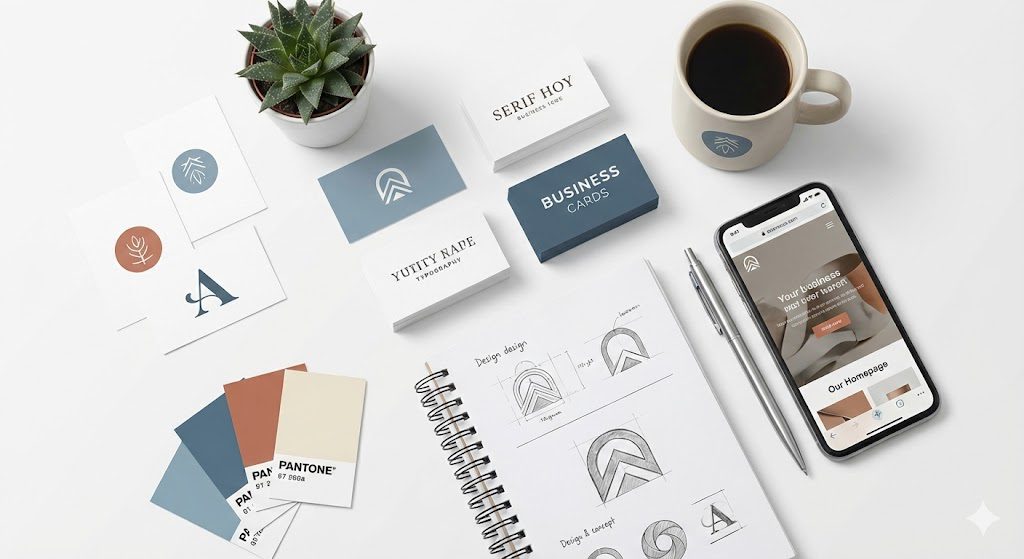
What Is Graphic Designing? Graphic design is the art and practice of planning and creating visual content that communicates messages effectively. It blends creativity with strategic thinking, using elements such as typography, colour, layout and imagery to shape how information is perceived. As described by major design references, it is both an applied art and a communication discipline that helps transmit specific ideas to social groups with a clear purpose. From branding and advertising to digital interfaces and printed media, graphic design translates concepts into visuals that resonate with human emotions and understanding. Why Is Graphic Designing Important? Effective Communication and Visual Storytelling Graphic design is essential because visuals communicate far faster and more powerfully than text alone. Modern research and industry insights show that people process images within fractions of a second, which makes visual messaging vital in an age dominated by short attention spans. Good design transforms complex information into simple, memorable visuals. Infographics, illustrations and layouts help audiences understand ideas quickly, improving retention and clarity. This is why brands, educators and digital creators rely heavily on design to convey stories that words alone cannot express deeply or instantly. Branding and Recognition A business’s identity is shaped largely by its visual presentation. Consistent use of logos, colours, fonts, and design style strengthens recognition and creates emotional associations with the brand. According to multiple branding authorities, a strong design system builds trust and increases the chances of customers remembering and preferring a brand over competitors. Graphic designing also ensures consistency across marketing materials, social media posts, packaging and websites, enabling a company to appear credible, professional and unified wherever its audience meets it. Business Value and Competitive Advantage Research from management and consulting firms, including McKinsey’s “The Business Value of Design,” confirms that companies investing in high-quality design significantly outperform competitors financially. Design contributes directly to conversions, customer satisfaction and competitive differentiation. When visuals are professional and strategically aligned, they help businesses attract attention in crowded markets. Good design can elevate product value, influence buying decisions and create a unique identity that competitors cannot easily replicate. User Experience (UX) and Digital Relevance In today’s fast-paced digital environment, graphic design is integral to user experience. Websites, apps and social media platforms rely on visual structure to guide users smoothly. A well-designed interface improves usability by organising information intuitively, reducing confusion and creating enjoyable interactions. Effective UI and UX design combine aesthetics with function, ensuring that visuals support navigation and behaviour. Experts highlight that users form first impressions of a webpage in as little as 50 milliseconds, which means design quality can determine whether visitors stay or leave. Trust, Credibility and Perception Professional visuals create trust. High-quality design signals that a brand cares about its image and, by extension, its customers. Psychological concepts like the “Aesthetic-Usability Effect” suggest that people perceive attractive designs as more reliable and easier to use. On the other hand, poorly executed graphics can instantly damage credibility, making even excellent products appear unprofessional. In an era where customers have countless options, trust built through design becomes a decisive factor in choosing one brand over another. When and Where Graphic Designing Matters Graphic design matters in almost every area of communication. Small businesses rely on it to build presence, while large corporations use it to maintain strong global identities. It plays a vital role in advertising, social media, websites, packaging, print marketing, presentations and digital learning. It is also crucial in environments where first impressions matter because users often judge quality within seconds based on visuals alone. Whether for startups launching a new brand or established businesses improving customer experience, design influences how messages are received and how decisions are made. Limitations and Considerations Although graphic design is powerful, it is not a standalone solution. Effective design must be supported by research, strategy and understanding of user needs. Spending on design without aligning it with clear goals may not produce meaningful results. Some sources highlight that design can become ineffective if businesses focus only on aesthetics without considering functionality or audience behaviour. Like any tool, its real value comes when it is used thoughtfully and consistently. How to Get the Most Out of Graphic Design To maximise the benefits of graphic design, businesses and creators should begin with careful research into their audience, competitors and industry trends. Understanding what appeals to the target market helps create visuals that connect emotionally and practically. Consistency is another critical factor, as a unified visual identity strengthens recognition. Good design balances beauty with usability, ensuring that colours, typography and layout enhance the message rather than distract from it. When form and function work together, design becomes a powerful growth engine. Future Trends in Graphic Design Graphic design continues to evolve rapidly with advancements in digital tools and artificial intelligence. Designers are now adapting to new technologies such as automated design assistance, generative visuals and immersive media. The future of design will demand both creativity and technological fluency. As industries move toward more personalised and interactive digital experiences, graphic designers will play an even more pivotal role in shaping how information is consumed in the coming years. FAQs About the Importance of Graphic Design Is graphic design really essential for businesses? Yes, graphic design is extremely important for businesses because it shapes how a brand communicates visually with its audience. Strong design helps a company appear professional, builds trust and differentiates it from competitors. Research shows that businesses investing in design outperform rivals because visuals influence buying decisions, brand recall and overall customer engagement. How does graphic design help with branding? Graphic design helps with branding by creating a consistent visual identity across all platforms. Elements such as a logo, colour palette, typography and imagery style are crafted to reflect the personality of the brand. When customers repeatedly see and recognise these visual cues, it strengthens their connection to the brand. Effective branding design makes a business memorable and more likely to be chosen over alternatives. Why do visuals matter more than